Factual reference — lines, ANSI/BHMA grades, and what your Defiant lock's signals mean.
📞 Call (866) 370-8695Locksmith Call Now is a free referral service — we are not a locksmith. The independent local pro you're connected with quotes you directly before any work begins.

Defiant is The Home Depot's house brand of door hardware and security products, sold exclusively through Home Depot stores and homedepot.com. The line covers keyed entry knobs and levers, single- and double-cylinder deadbolts, handlesets, and battery-powered electronic keypad deadbolts and levers, plus app-connected smart deadbolts on Home Depot's Hubspace smart-home platform. Because of its retail availability, Defiant hardware is common on single-family homes and rental properties. Product support, manuals, and warranty service are handled through Home Depot rather than a standalone manufacturer network, and installation and programming guides for each model are published as PDFs on Home Depot's product pages.
Locksmith Call Now is an independent referral service and is not affiliated with, endorsed by, or sponsored by Defiant. Product facts below are drawn from manufacturer documentation.
| Line | Facts |
|---|---|
| Electronic keypad deadbolts | Motorized keypad deadbolts powered by four AA alkaline batteries with a mechanical key override; per the published manual, settings are retained if batteries die and the key works during power loss. Programming, auto-lock, and code management are done at the keypad, with LED and beep feedback documented in the manual and summarized below. |
| Electronic keypad levers | Battery-powered keypad levers (such as the G32-KPLC112 series) for doors without a deadbolt, with a master code, up to multiple user codes of 4 to 8 digits, passage and vacation modes, auto-lock, and a mechanical keyway override. The manual documents green, red, and yellow indicator lights and a keypad lockout after four consecutive incorrect entries. |
| Smart deadbolts (Hubspace-connected) | Defiant's app-connected deadbolts pair with Home Depot's Hubspace app for remote lock and unlock, code management, and notifications. Model-specific quick-start and programming guides are published on the Home Depot product pages; features and radios vary by model, so consult the manual matched to your item number. |
| Mechanical deadbolts, knobs, and handlesets | Value-oriented keyed hardware for standard residential door preparations with adjustable backsets. Many Defiant keyed products use the common KW1-compatible keyway, and Home Depot publishes rekeying instructions for Defiant tubular knobsets and leversets, so cylinders can be rekeyed rather than replaced when keys change hands. |
Defiant model and internet/SKU numbers appear on the packaging and the instruction sheet; keep these, since support flows through Home Depot's product pages. On installed electronic locks, remove the interior battery cover and check for a label on the interior assembly. The latch faceplate at the door edge may also carry markings. If you know roughly when and where it was purchased, Home Depot's order history or the store can match the item, and each product page hosts the exact installation and programming guide PDF.
What the lock is telling you — from manufacturer documentation (see support link below).
| Signal | Meaning | Next step |
|---|---|---|
| LED flashes green once with one beep (keypad deadbolt) | Successful operation, per the Defiant electronic deadbolt manual. | No action needed. |
| LED flashes green twice with two long beeps | Successful programming step. | No action needed; test new codes with the door open. |
| LED flashes red three times with three beeps | Operation error, such as an incorrect entry or invalid programming input. | Re-enter carefully following the manual's sequence. Repeated errors during programming usually mean a step was missed; restart the procedure. |
| LED flashes red five times with five beeps | Code input errors; the lock stops responding temporarily for system protection, per the manual. | Wait out the protection pause, then enter a valid code. If codes were forgotten, perform the factory reset procedure in the manual and reprogram. |
| LED flashes orange three times with three long beeps | The system has been restored to its default (factory) settings. | Reprogram your own programming code and user codes promptly; the manual notes the preset programming code should be replaced. |
| LED flashes orange slowly | The lock is in programming mode. | Complete or exit programming per the manual. If entered accidentally, allow it to time out and test a known code. |
| LED flashes red with constant beeping for about 10 seconds when the program button is pressed; or 10 rapid beeps | Low battery, per the manual; batteries should be changed immediately. | Replace all four AA alkaline batteries. Settings are retained with dead batteries, and the mechanical key still operates the lock. |
| LED flashes red three times (twice) with three beeps when locking from the keypad | The bolt is not fully extended or retracted and the motor cannot complete the operation, per the manual, often from strike misalignment. | Enter a user code to retract the bolt, then fix bolt and strike alignment. A locksmith can realign the strike so the motor throws the bolt freely. |
| Keypad lever: red light on entry; yellow light flashing; green light on entry | Per the keypad lever manual: red represents an incorrect entry or programming mode, yellow flashes when batteries are low, and green represents a correct entry. | For red, re-enter the code; for yellow, replace the batteries; note the keypad temporarily disables after four consecutive incorrect entries. |
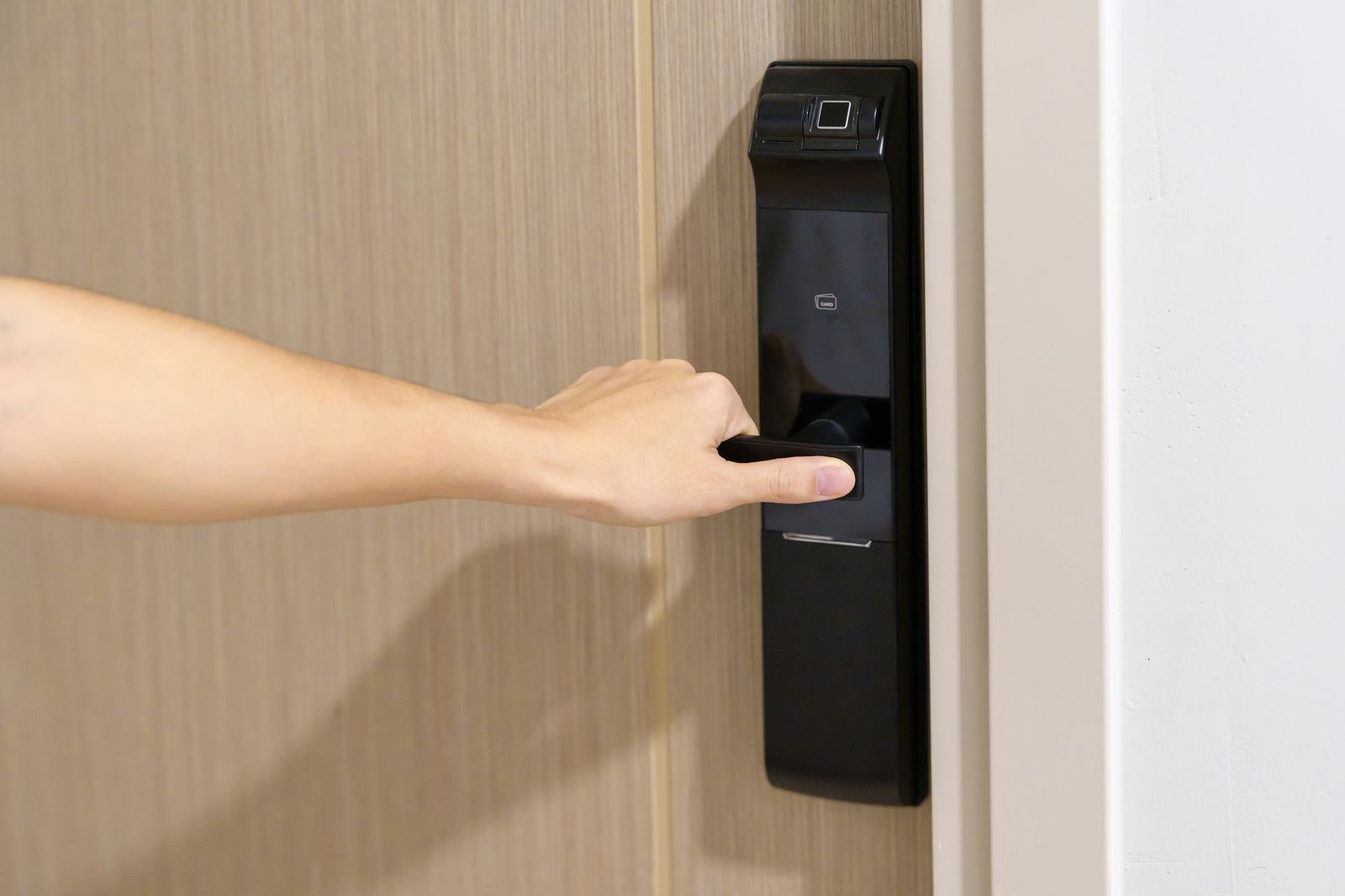
An independent locksmith can rekey Defiant cylinders (many use common KW1-compatible keyways) to match other locks in the home, install deadbolts and keypad locks with properly aligned strikes, and resolve the misalignment behind motor errors on electronic models. When a Defiant electronic lock has failed or an owner wants different features, a pro can advise on and install a replacement in the same door prep. LocksmithCallNow.com is a referral service and is not affiliated with Defiant or The Home Depot.
Defiant manuals are published as PDF installation and programming guides on the Home Depot product page for each model. Search homedepot.com for your model or internet/SKU number from the packaging or the label under the battery cover. The guides document programming steps, factory reset, and the LED and beep feedback for that model.
Per the Defiant electronic deadbolt manual, red flashes with beeps during a keypad lock attempt indicate the bolt could not fully extend or retract, so the motor stopped. Enter a user code to retract the bolt, then correct bolt and strike alignment. Five red flashes with beeps instead indicate too many wrong codes and a protection pause.
No. The manual states all settings are retained in memory even if the battery is completely dead, and the lock can still be operated with the mechanical key during a power outage. After installing four fresh AA alkaline batteries, your programming code and user codes work as before.
Yes. Home Depot publishes rekeying instructions for Defiant tubular knobsets and leversets, and locksmiths can rekey Defiant cylinders, which commonly use KW1-compatible keyways. That makes it practical to key Defiant hardware alike with other locks in the home instead of carrying separate keys or replacing working hardware.