Factual reference — lines, ANSI/BHMA grades, and what your Schlage lock's signals mean.
📞 Call (866) 370-8695Locksmith Call Now is a free referral service — we are not a locksmith. The independent local pro you're connected with quotes you directly before any work begins.

Schlage is an American lock manufacturer founded in 1920 by inventor Walter Schlage in San Francisco. Today it is a brand of Allegion, headquartered in Carmel, Indiana. Schlage makes mechanical deadbolts, knobs, and levers for homes, plus keypad and smart locks including the Encode, Encode Plus, Sense, and Connect deadbolts. A separate commercial division supplies Grade 1 hardware for offices, schools, and multifamily buildings. You will encounter Schlage hardware on single-family homes, apartment doors, and light commercial storefronts across North America, sold through home centers, locksmiths, and door hardware distributors. Schlage smart locks pair with the Schlage Home app and integrate with major smart-home platforms.
Locksmith Call Now is an independent referral service and is not affiliated with, endorsed by, or sponsored by Schlage. Product facts below are drawn from manufacturer documentation.
| Line | Facts |
|---|---|
| B-Series deadbolts | Schlage's mechanical deadbolt family for residential doors, offered in single- and double-cylinder configurations with standard 2-3/8 in. or 2-3/4 in. adjustable backsets. The related commercial B600 Series is certified ANSI/BHMA Grade 1 per Schlage's commercial product documentation. B-Series cylinders can be rekeyed to match other Schlage keyways. |
| Encode / Encode Plus Smart WiFi Deadbolt (BE489/BE499) | A motorized keypad deadbolt with built-in WiFi, so no separate hub is required. Schlage states it is backed by a BHMA rating in security, durability, and finish. Features include up to 100 access codes, a built-in alarm, and voice-assistant support. Encode Plus adds Apple Home Keys tap-to-unlock. Managed through the Schlage Home app. |
| Schlage Sense and Connect smart deadbolts | Sense (BE479) is a Bluetooth touchscreen deadbolt that can pair with Apple HomeKit; Connect (BE469/BE468) uses Z-Wave or Zigbee radios for hub-based systems and includes a built-in alarm with activity, tamper, and forced-entry alert modes. Both use a touchscreen keypad with user-programmable codes. |
| Keypad series (BE365 deadbolt, FE575/FE595 levers) | Battery-powered push-button locks that store user codes locally with no app or radio. The BE365 is a keypad deadbolt with key override; the FE575/FE595 are keypad levers with auto-lock capability. Programming is done at the keypad using the printed programming code included with the lock. |
| Schlage Touch (BE375, FE695) | Keyless touchscreen deadbolt and lever with no keyway at all, which removes the mechanical cylinder as a service point. Codes are programmed directly at the touchscreen. Because there is no key override, battery maintenance matters: the lock warns of low batteries before it stops operating. |
On most Schlage residential locks, the model number is printed on the product packaging and on a label inside the lock, typically on the interior mounting plate or behind the interior battery cover on electronic models. Mechanical cylinders and latches often carry markings on the latch faceplate at the door edge. For smart locks already enrolled in the Schlage Home app, open the lock's settings screen to view the model and firmware. Schlage's support site also offers a visual product identifier if you only know the lock's appearance.
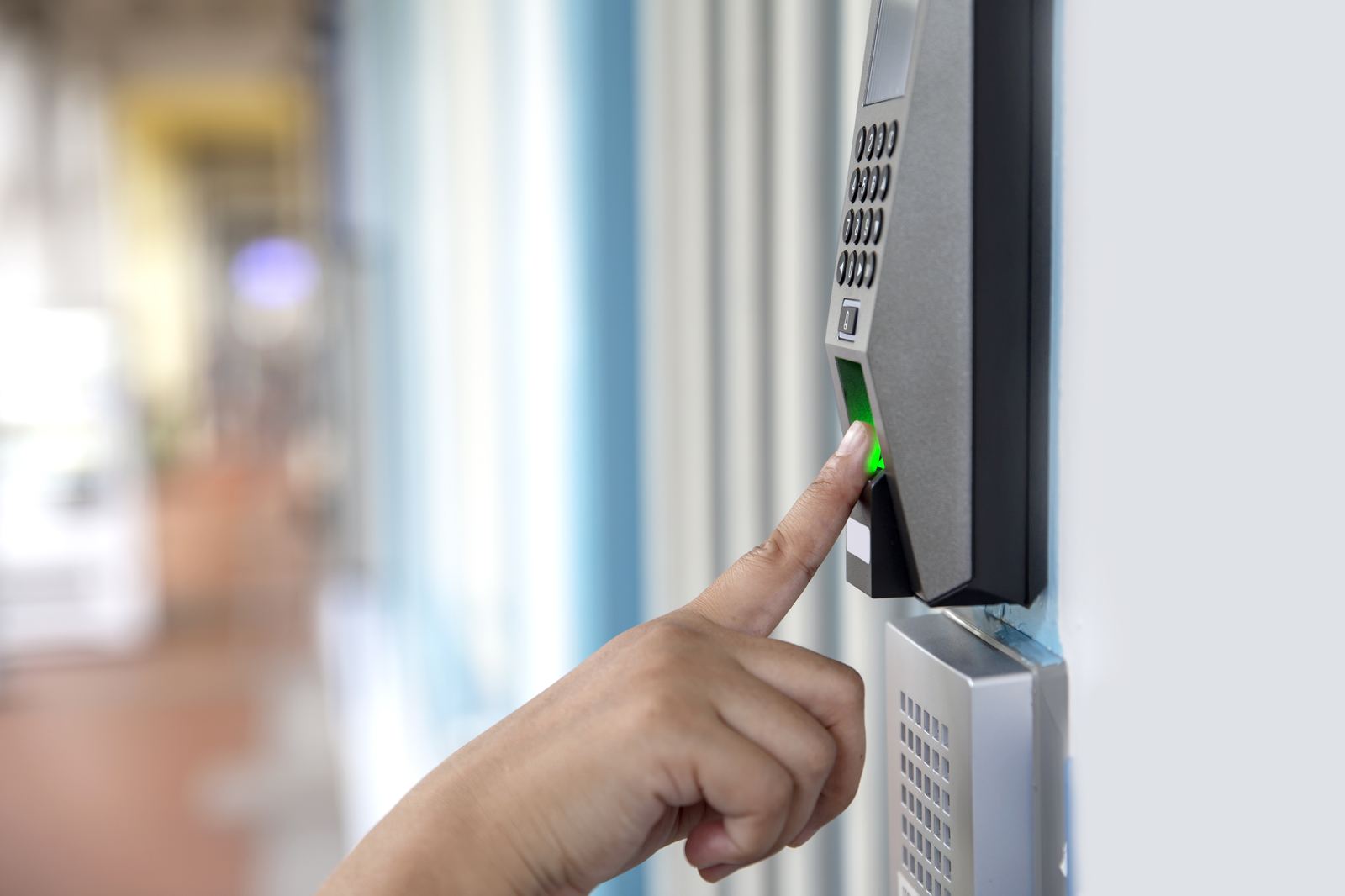
What the lock is telling you — from manufacturer documentation (see support link below).
| Signal | Meaning | Next step |
|---|---|---|
| Red X flashes on the Encode keypad after a code entry | An incorrect user code was entered. | Re-enter the code carefully. Verify the code is still active in the Schlage Home app; codes can be disabled or scheduled. If no codes work, consider a factory reset per the manual or professional help. |
| Checkmark flashes after a code entry (Encode BE489/FE789) | The code was accepted; the lock confirms successful entry. | No action needed. If the checkmark flashes but the bolt does not move, check for door/frame misalignment or call a professional. |
| Low battery icon flashes after a code is entered | Battery is low but the lock still operates. | Replace the batteries soon with a fresh set of alkaline batteries per the user guide. |
| Low battery icon shows solid | Battery is critical; per Schlage, the lock will not work without new batteries. | Replace the batteries immediately. On keyed models, the mechanical key still operates the lock in the meantime. |
| Communication icon flashes on the touchscreen | The lock is connecting to WiFi to check for updates. | Allow it to finish. If it flashes persistently and the lock shows offline in the app, verify your 2.4 GHz WiFi network and router placement. |
| Keypad digits light white on each press, then the programming LED turns amber | Amber indicates the lock is in manual programming mode. | Complete or exit programming using the steps in the user guide. If the lock entered programming unexpectedly, wait for it to time out, then test a known code. |
An independent locksmith can rekey Schlage cylinders to a new key, key multiple Schlage locks alike, install or replace deadbolts and handlesets, correct strike and bolt alignment that causes keypad locks to jam, and troubleshoot Encode, Sense, and Connect units that will not calibrate or hold power. If your Schlage smart lock is unresponsive after battery replacement and a reset, a local pro can diagnose whether the issue is the door, the lock body, or the electronics. LocksmithCallNow.com is a referral service and is not affiliated with Schlage or Allegion.
Schlage's icon guide for the Encode (BE489/FE789) explains that a flashing checkmark confirms a correct code, a flashing red X signals an incorrect code, a flashing battery icon means low batteries, a solid battery icon means critical batteries, and a flashing communication icon means the lock is connecting to WiFi. See the decode table above and Schlage's support site for the full guide.
Keyed Schlage smart locks such as the Encode and Connect use a standard Schlage cylinder with a mechanical key override, and that cylinder can be rekeyed by a locksmith like any Schlage deadbolt. Key-free models such as Schlage Touch have no cylinder to rekey; access is managed entirely through user codes.
The Encode series is battery powered with alkaline batteries housed under the interior cover. The touchscreen shows a low battery icon after code entries when batteries are getting weak, and the icon turns solid when they are critical, at which point Schlage states the lock will not work until batteries are replaced.
Check the model prefix. Residential lines include B-Series deadbolts, F-Series knobs and levers, and BE/FE electronic locks. Commercial products, such as the B600 Series Grade 1 deadbolts and L-Series mortise locks, are documented on Schlage's commercial site. The label on the latch faceplate or interior mounting plate usually identifies the series.